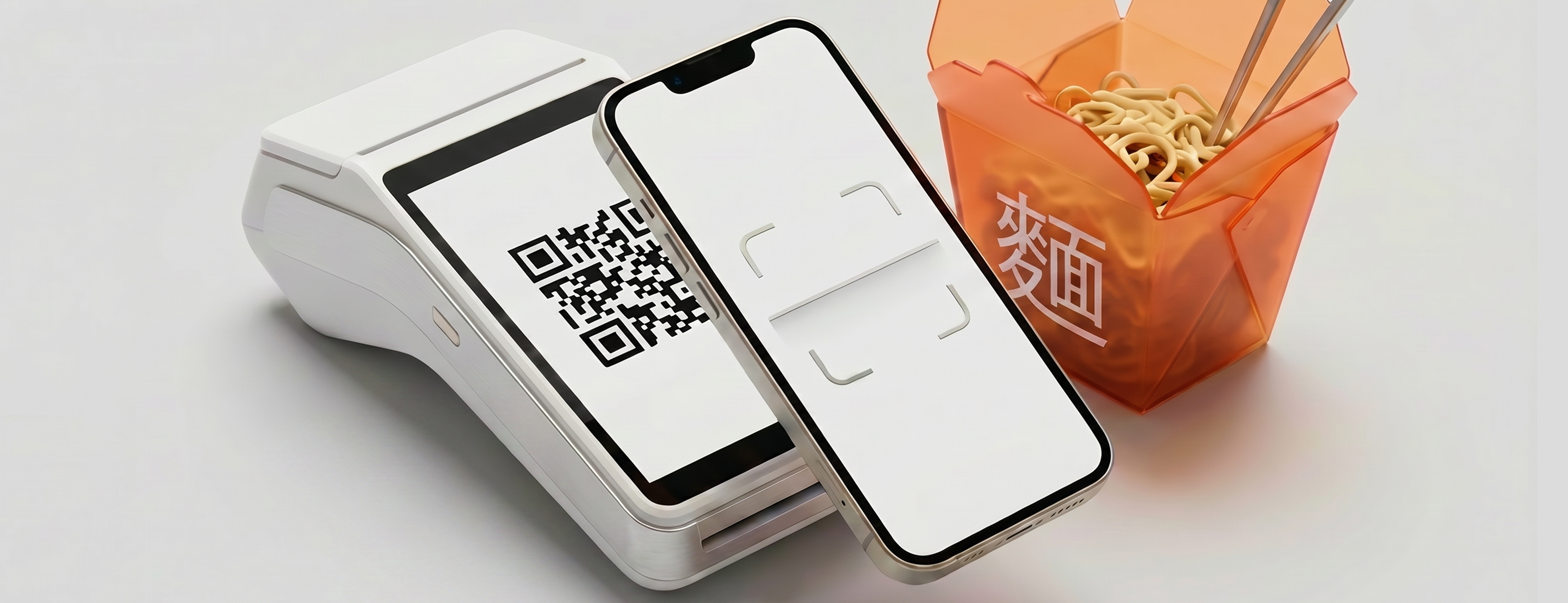

Before making your first payment on DoverkaSEND, you'll need to add funds to your balance—and the easiest way to do this is via SBP right in the app. Once you've added funds, the money appears in your balance immediately, and you can use it to pay for purchases via QR code and send money to countries in Asia.
What Is SBP and Why Is It Convenient?
SBP stands for the Fast Payment System, to which nearly all Russian banks are connected. Transfers through this system take just a couple of seconds, are usually fee-free, and don’t require card information—everything is confirmed in your banking app. That’s why you can top up your DoverkaSEND balance with just a few taps, without having to manually enter long payment details.
Why Is Balance Important?
Your balance is the amount used for all transactions within DoverkaSEND. First, you top it up via the payment system, and then you use it for whatever you need while traveling: pay using a local QR code at a café, taxi, or hotel, and send money to local bank accounts. Essentially, it’s your travel wallet, which is convenient to use abroad.
How does the top-up process work?
Open DoverkaSEND and go to the top-up section. Select the SBP payment method, enter the amount, and follow the app’s prompts—the rest of the process is confirmed through your bank. As soon as the transaction goes through, it will appear in your transaction history, and the funds will be reflected in your balance. This usually happens instantly.
Before making your very first deposit, make sure your account has been created, you can log in, your phone number is active, and you've completed identity verification, if required to access certain features.
When is the best time to add funds to your account?
It’s more convenient to top up your balance in advance—before a trip, an important money transfer, or your first payment abroad. That way, you won’t have to deal with topping up right at the ticket counter, in a taxi, or in the middle of a conversation with the recipient of the transfer. Plus, top-ups are processed via the SBP system from your Russian bank, which means it’s much easier to do this comfortably at home with a stable internet connection than to try to find a network right after you land.
If the balance didn't update right away
In rare cases, it may take a little while for the funds to appear in the app. Check the transaction status and history—your balance has most likely already been updated. If you still have questions, contact support directly in the app: they respond very quickly and will help you figure things out. And remember the most important security rule: never share your verification codes, documents, or account access with anyone.
In a nutshell
You can add funds to your DoverkaSEND account via the Single Payment Gateway (SPG) right in the app—it’s fast, doesn’t require a card, and usually has no fees. Once you’ve added funds, you can use them for payments and money transfers in Asia. Before your first top-up, you should create an account, complete identity verification, and make sure you can log in to the app. And from there, it’s all about the fun of getting ready for your trip!